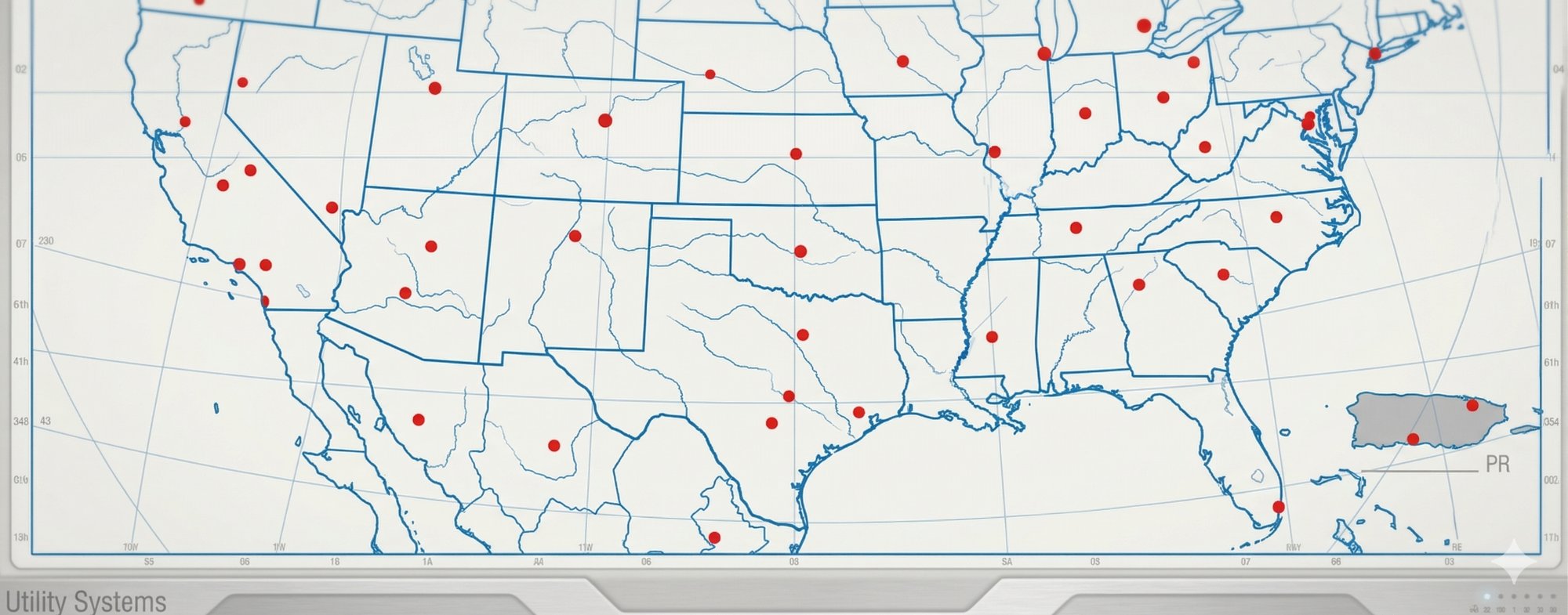
US3 Equipment
Sign in with your US Cubed Google account
→ Availability tab — see all kit counts by office
→ Check Availability — pick product, quantity & dates
→ Reservations tab → Add Reservation
→ Fill in job details → Submit
→ Request goes to admin for approval (shows as 🟠 Pending)
→ Device Returns tab → fill in Device ID, product & failure type
→ Submits automatically — admin gets notified
🗺 Mission Control — fleet overview
📦 Availability — warehouse counts
🛰 Fleet Map — every unit × 52 weeks
📅 Reservations — active & upcoming jobs
📊 Decommission — retired equipment
→ Hit the ? button in the top bar anytime
→ Send feedback or report issues from there
.png)
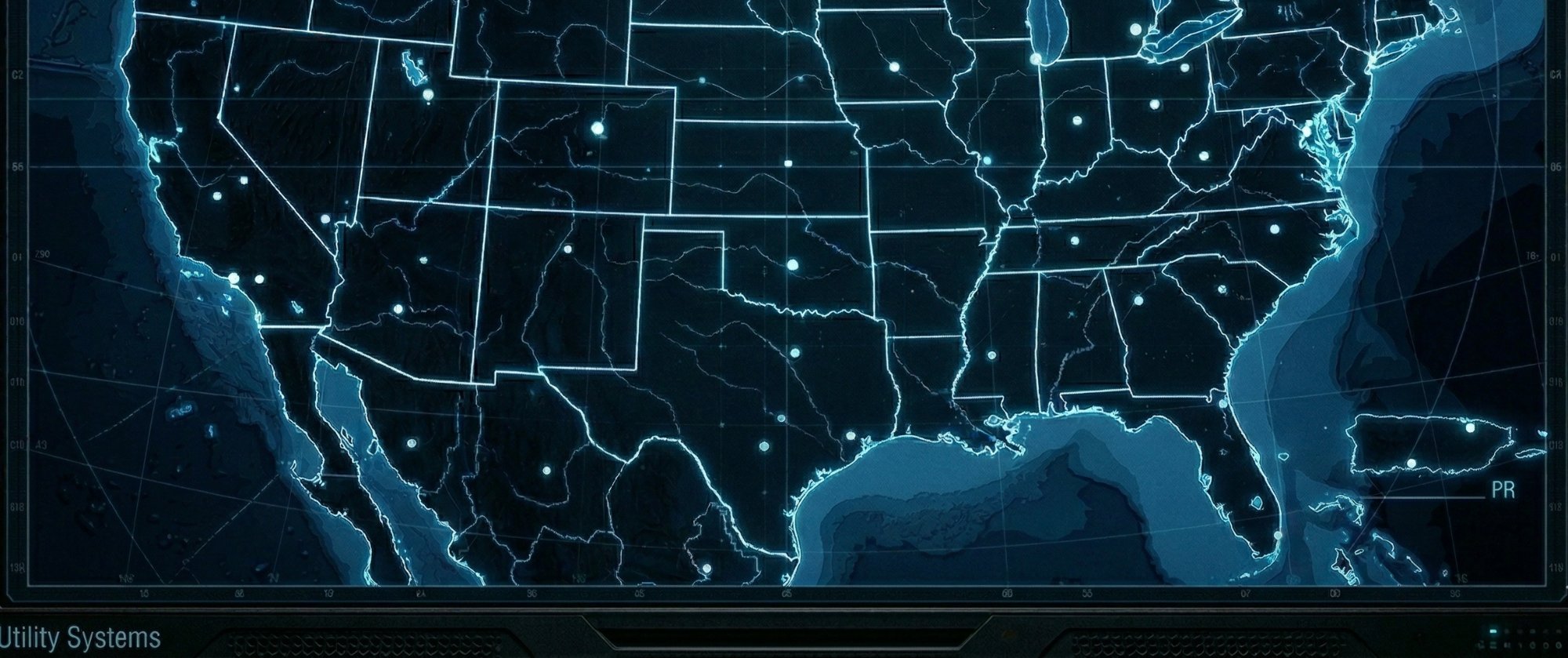
Appearance and the data connections behind the app. Accounts, account types and tab access all live in Admin → Access.
Light and dark both fully supported.
Signed in on this computer.
Synced automatically about every 2 hours — read-only from here.
US3i is a read-only assistant. How US3i works ↗